
BetU Cashout via Samurai Logs
betU is a social sports betting app that lets users legally bet against friends with no fees. We will be using their deposit and instant withdrawal feature with a Credit-Debit card (no Play-throughs required).

STEP 1: Download betU
Download betU from the App Store or Download it for Android
🔗 Download from App StoreSTEP 2: Sign Up with Payment Details
When signing up you HAVE TO use a phone number and/or email connected to your:
- Venmo
- PayPal
- Zelle
- Cash App
⚠️ IMPORTANT: You cannot change these details later on so make sure you type everything in correctly.
STEP 3: Complete KYC Verification
Just like any other sports app, the KYC process probably requires:
- Selfie photo
- Driver's License (front and back)
STEP 4: Make a Deposit
When you deposit, it's instantly available for you to withdraw.
You don't have to bet on any players or teams.
STEP 5: Withdraw Your Funds
When you go to the withdraw section, you'll see 4 options. Click on any that is convenient for you.
You'll see that your account details is what they use to send out the "earnings."
⚠️ NOTE: You cannot change these details!
💳 Payment Processing
The "checkout" page is powered by checkout.com
BIN doesn't matter as long as it has a balance and it's not flagged — payments should go through.
⏱️ Processing Time
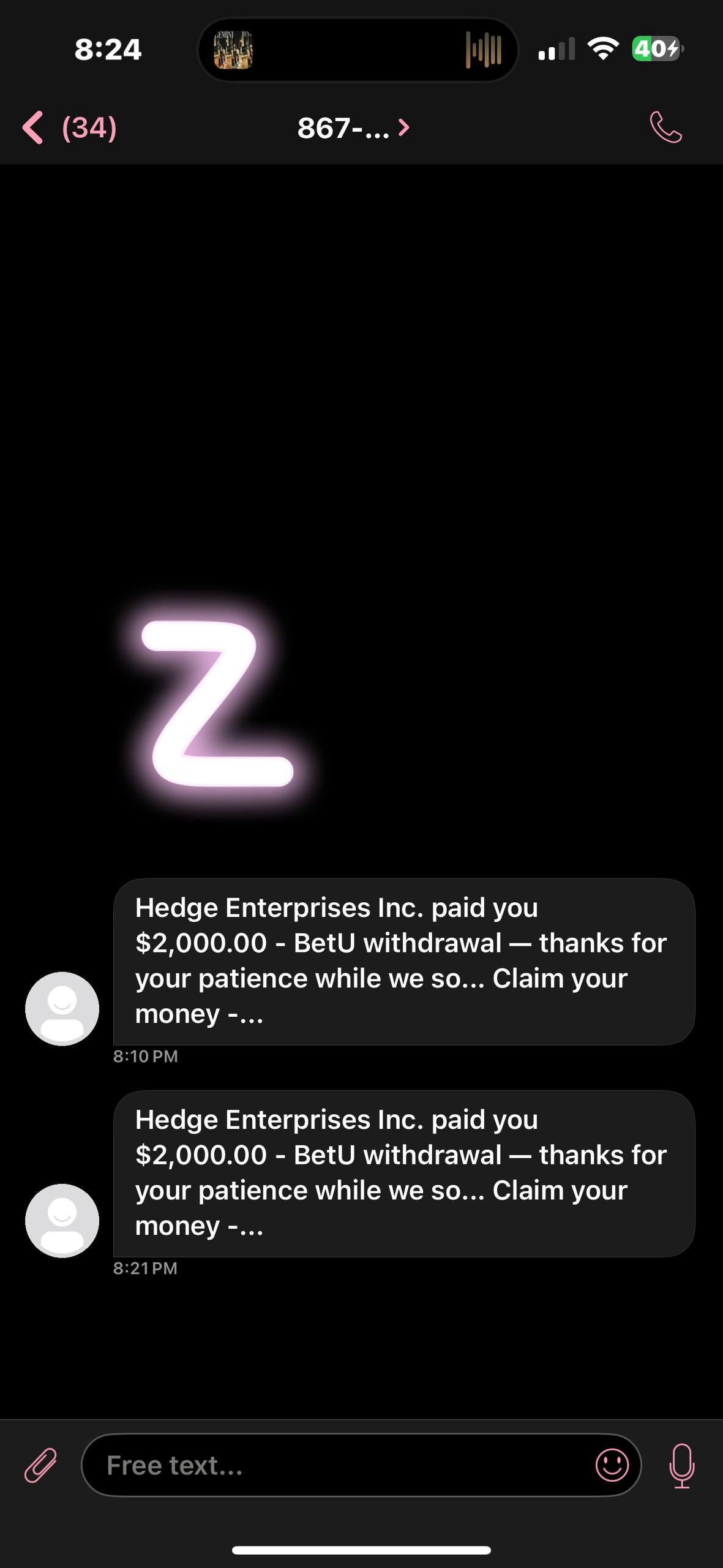
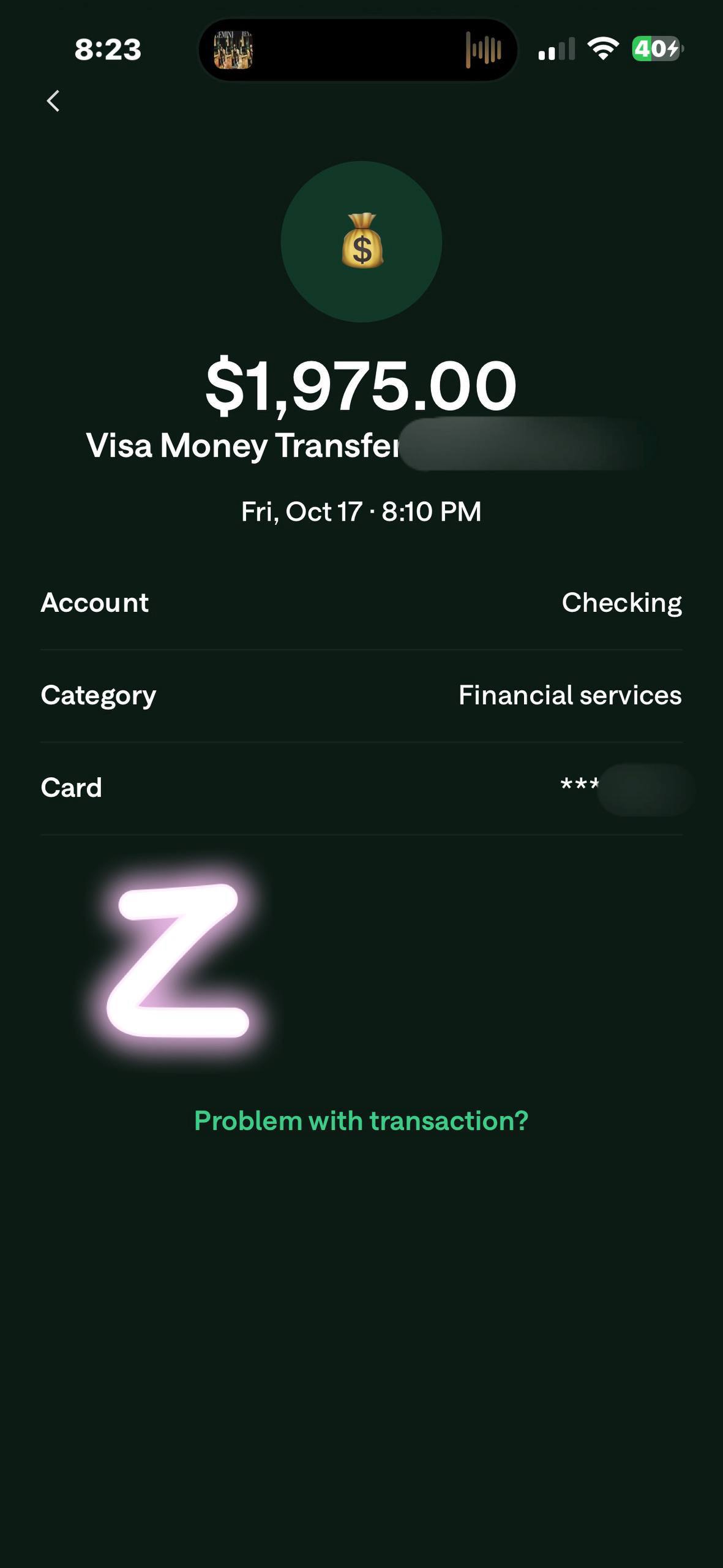
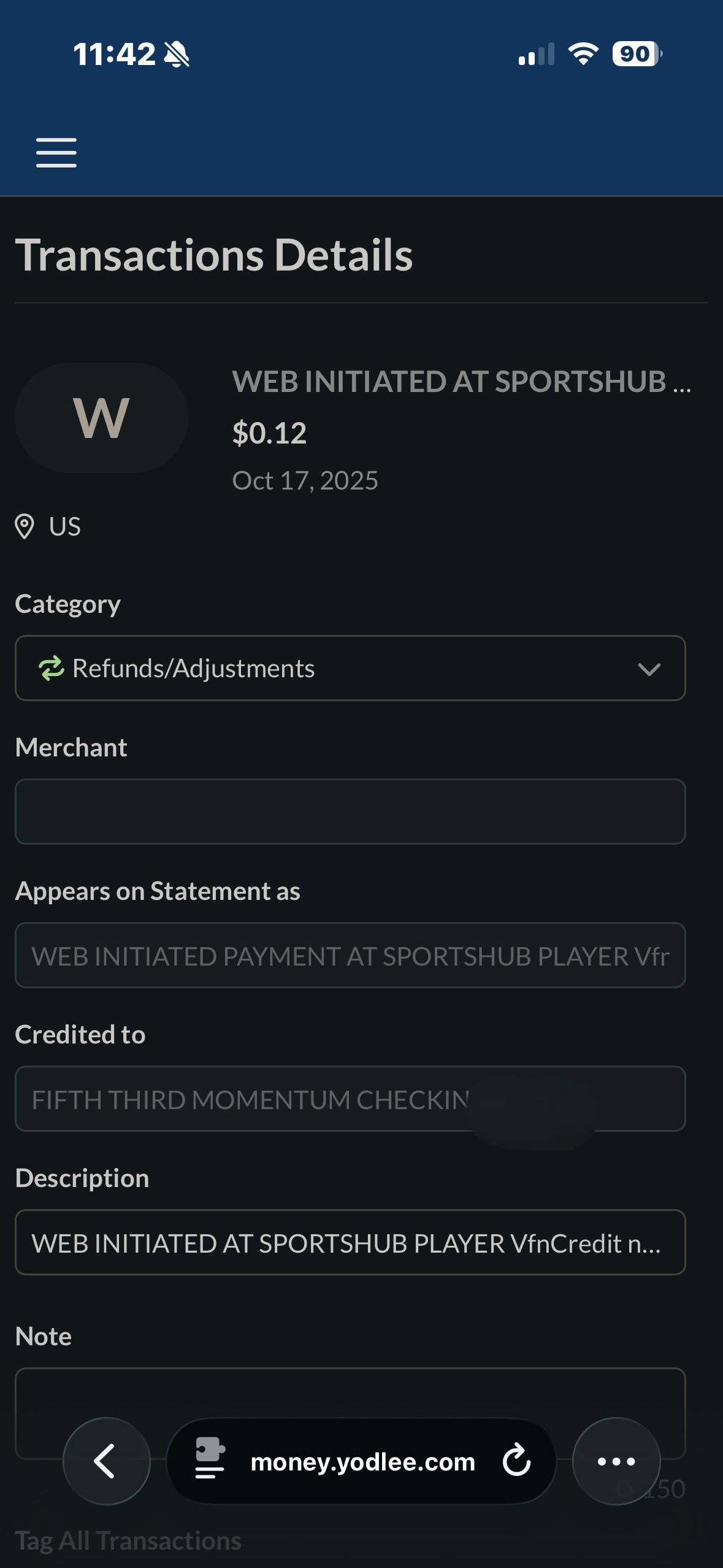
The money takes 5 days to arrive. We deposited on a Monday and it arrived Friday.
✨ Very simple. Very easy. ✨
[ SECURE CONNECTION ESTABLISHED ] • [ ENCRYPTION: AES-256 ] • [ STATUS: ONLINE ]